
Make animated dialogue videos
Your characters, your words, staged like a visual novel.



Pick a theme. This changes everything.
Made in DialogCut
Bring your stories and characters to life
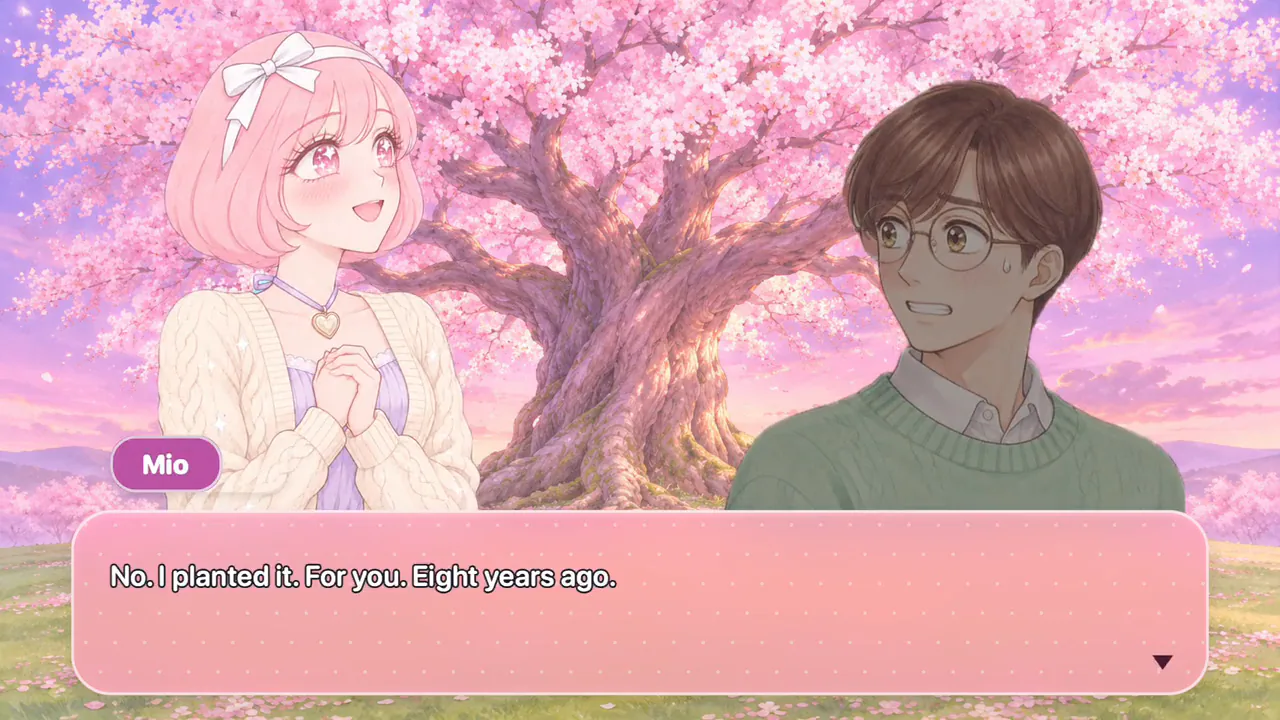
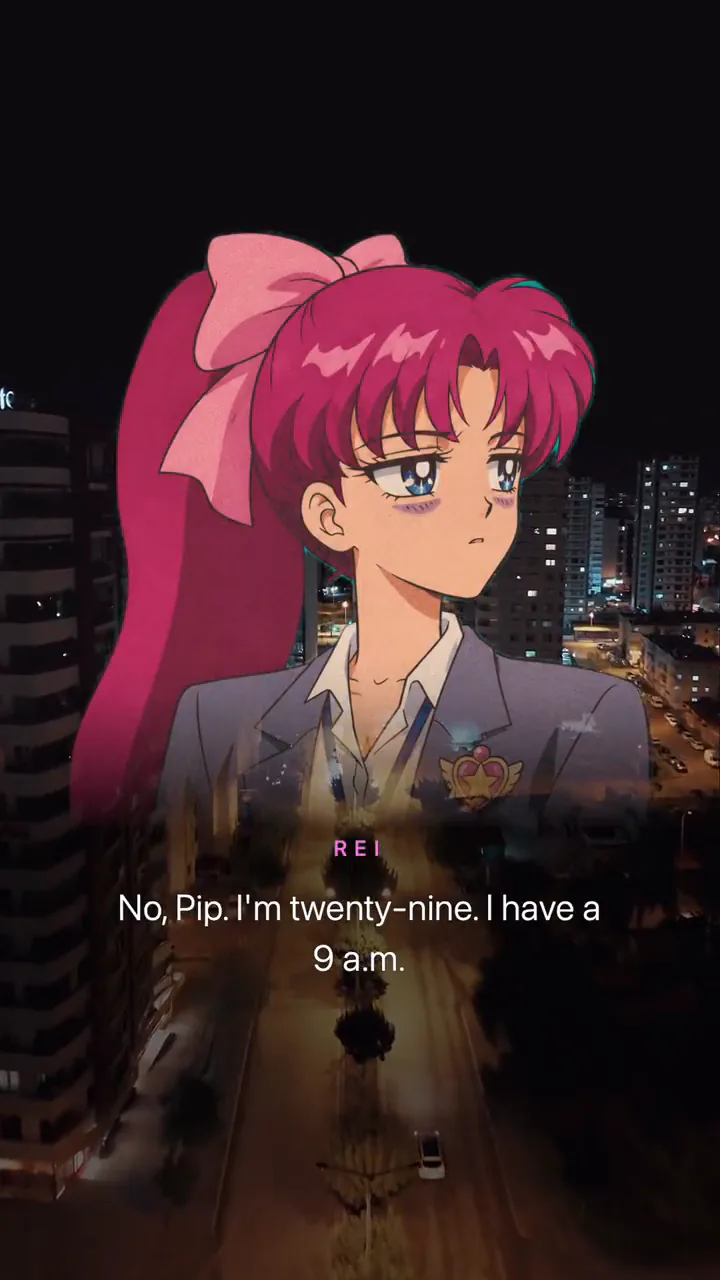
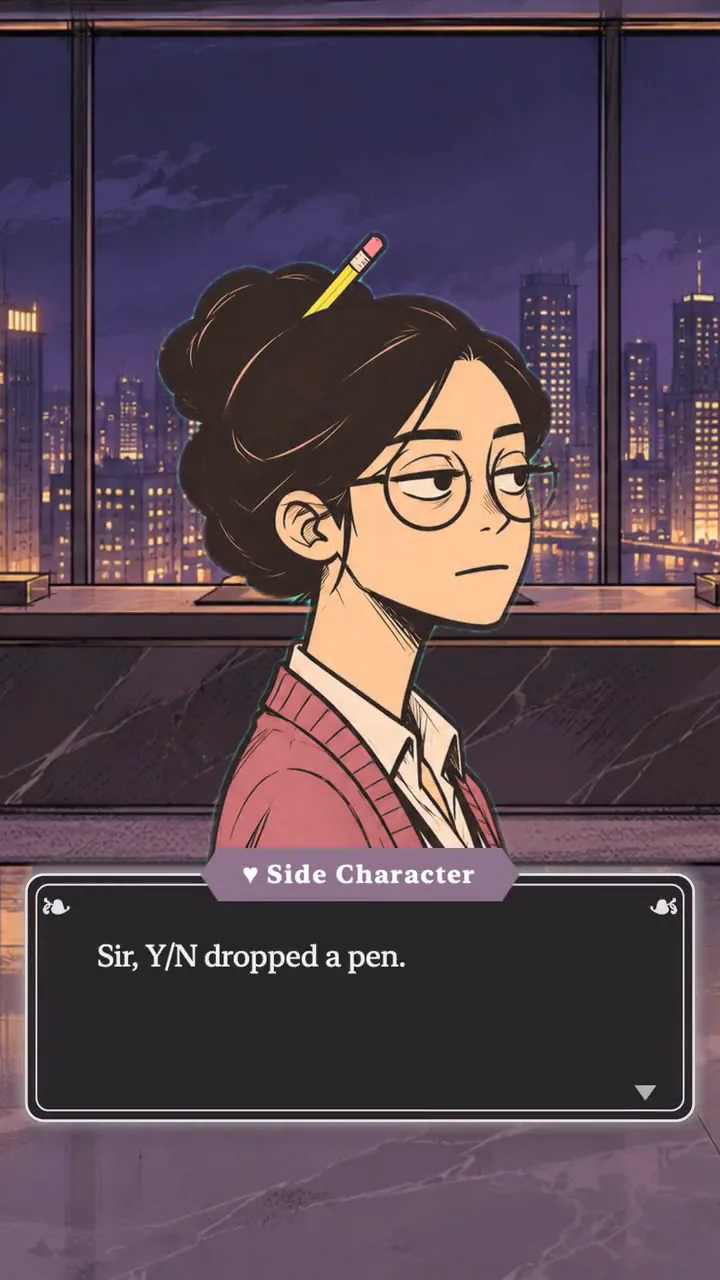
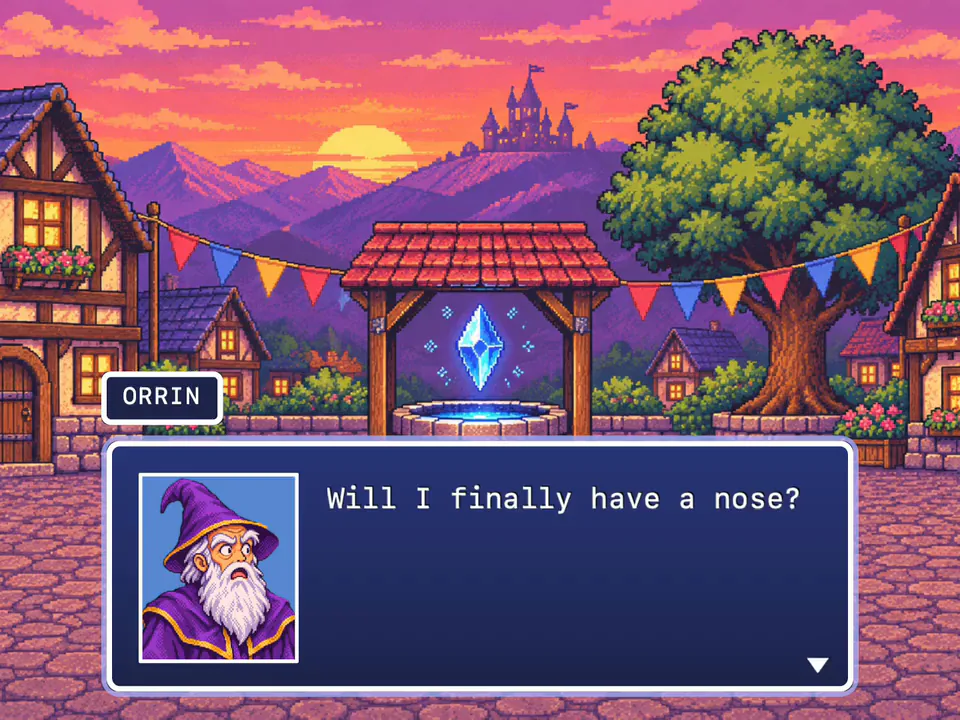
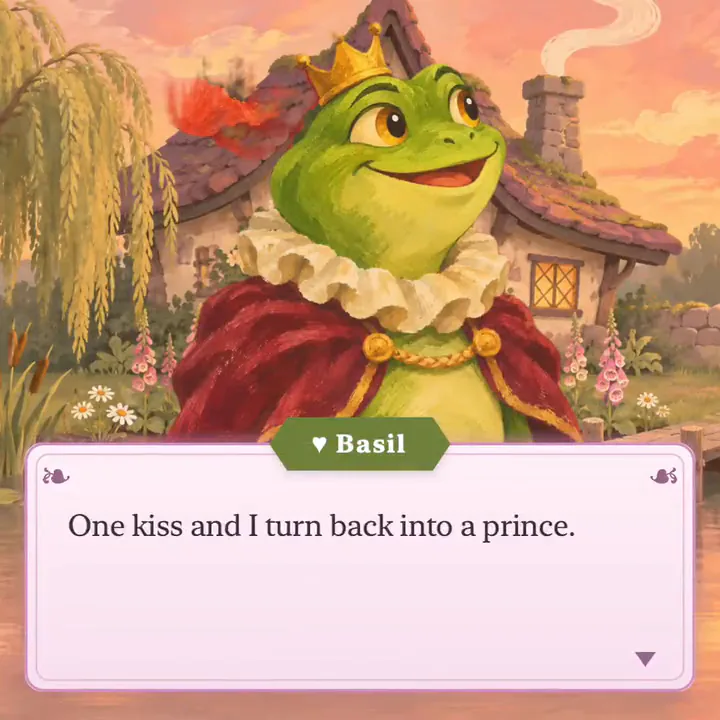
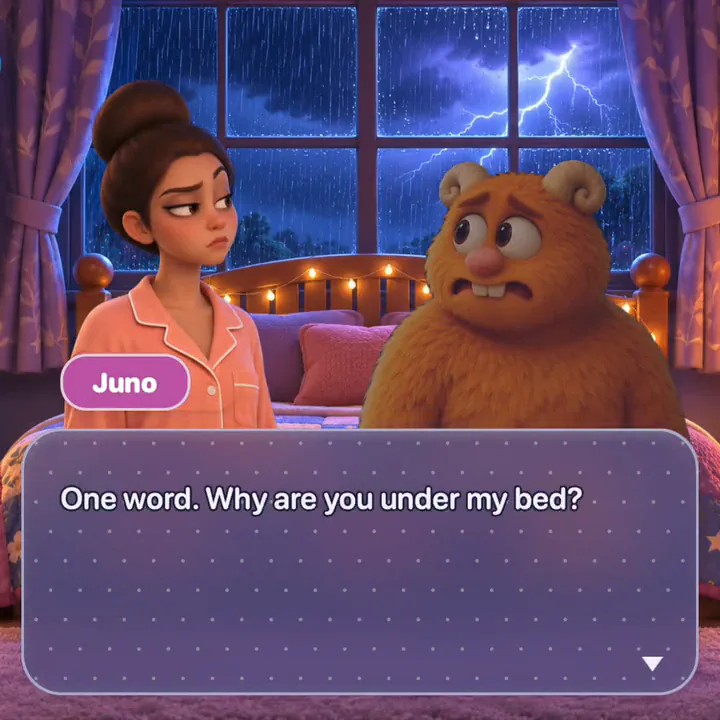
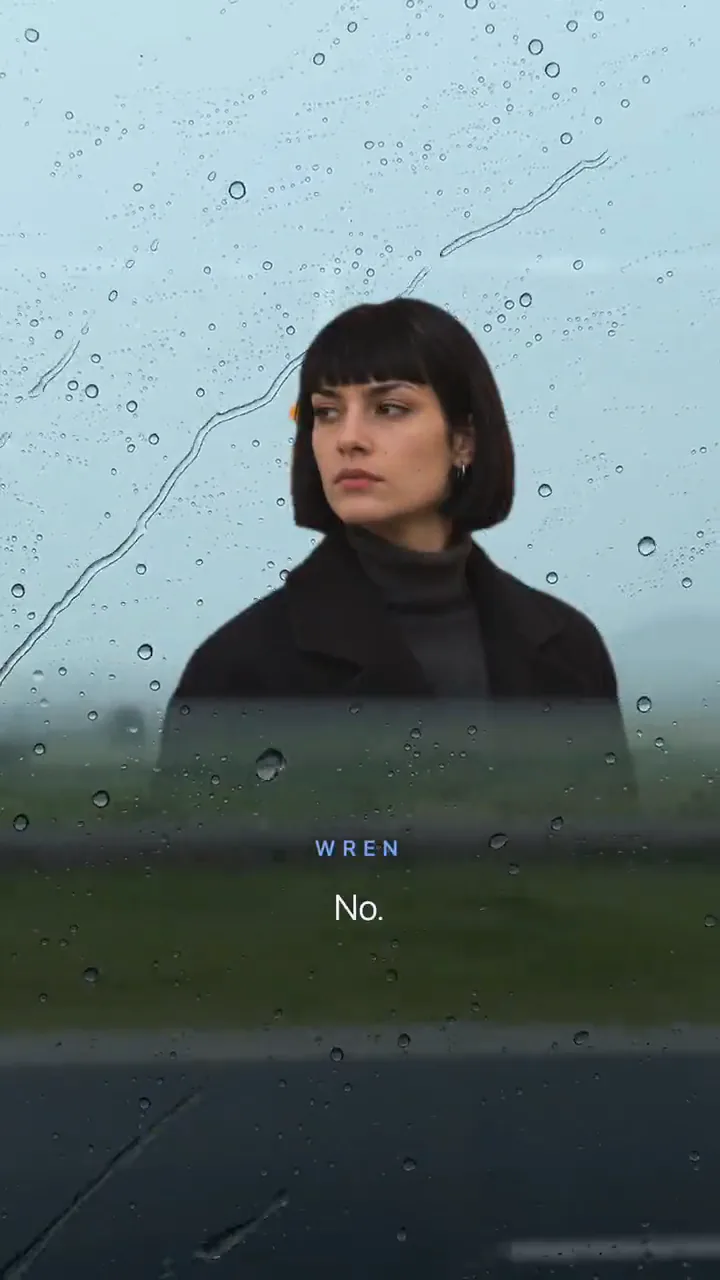
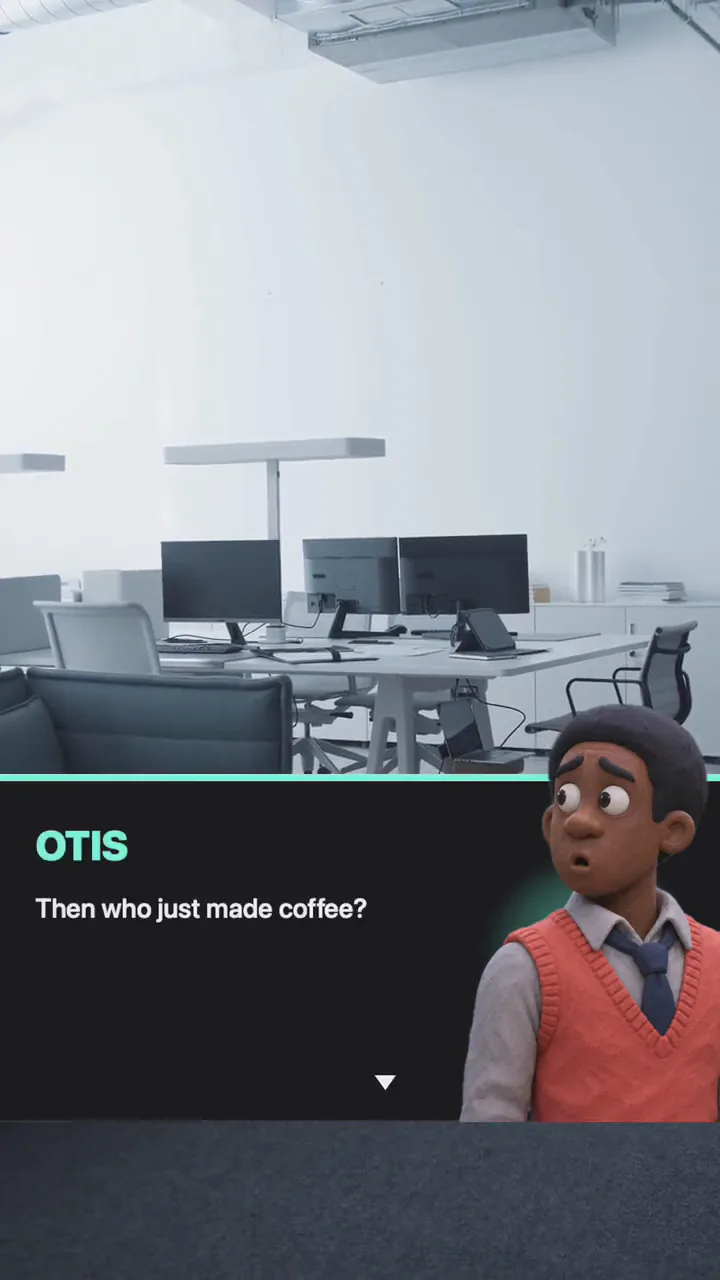
Anime, manga, watercolor, pixel art, clay, a photo. Put them in a painted place, your own picture or a video, and pick one of eight themes.
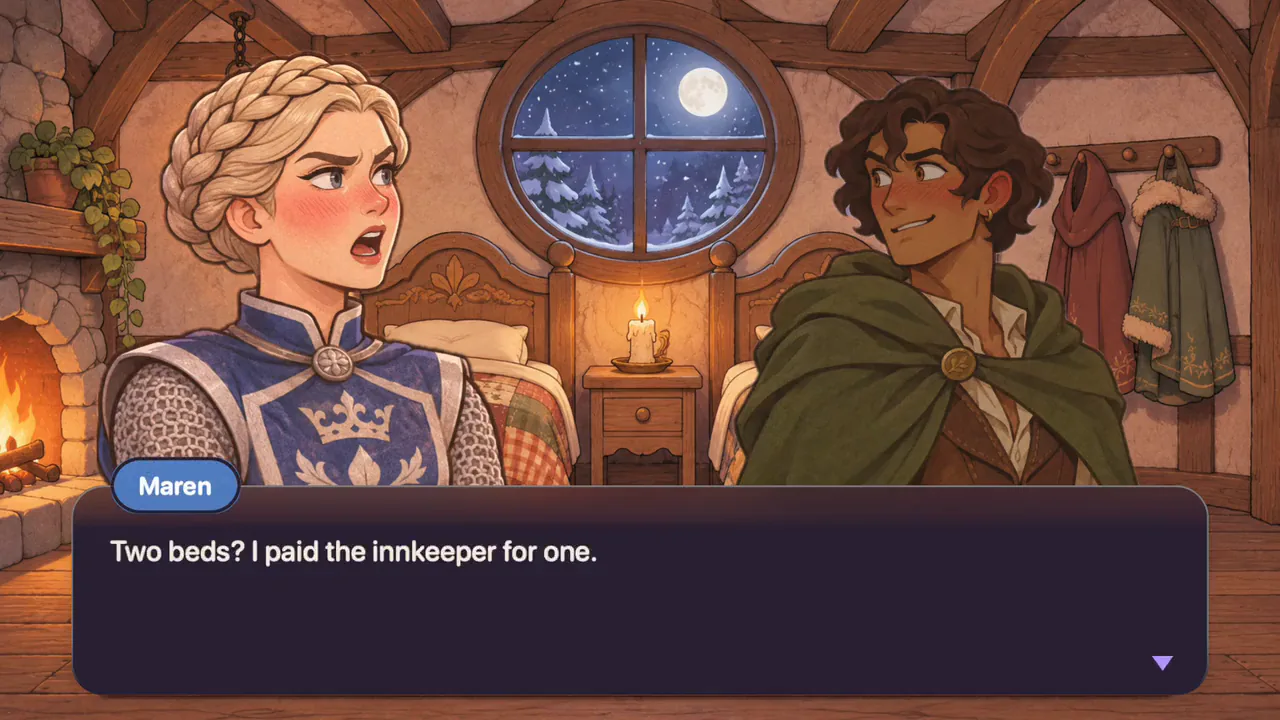
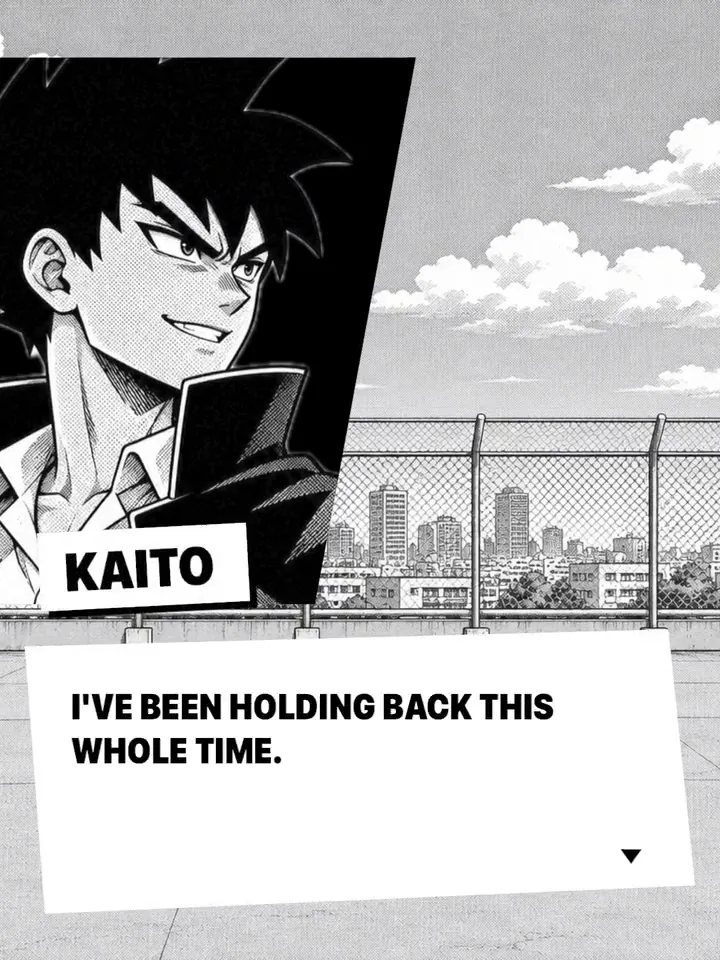
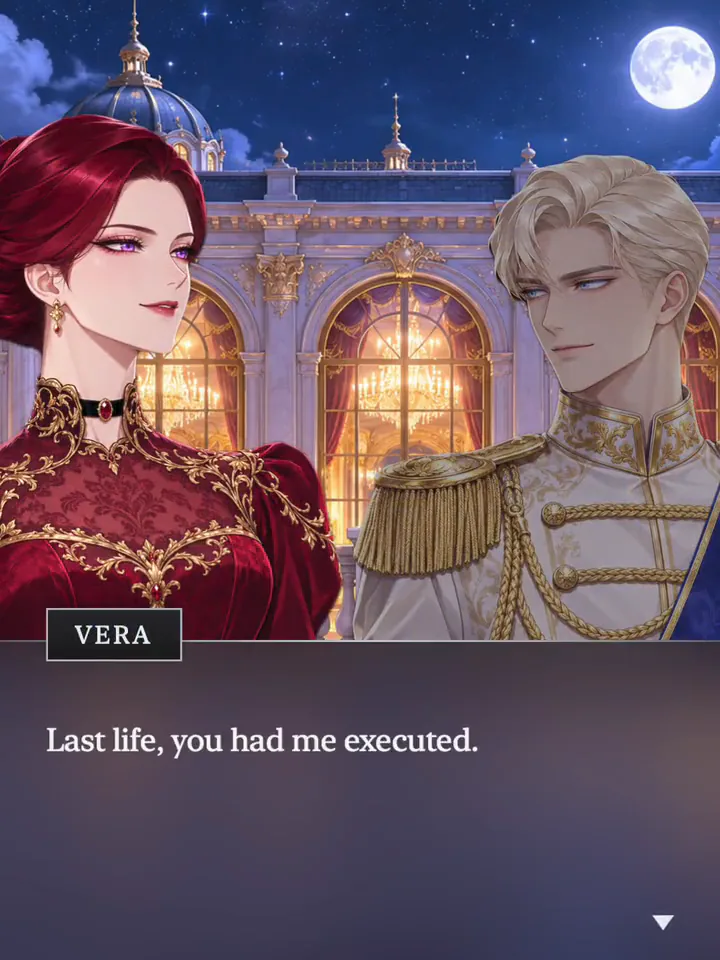
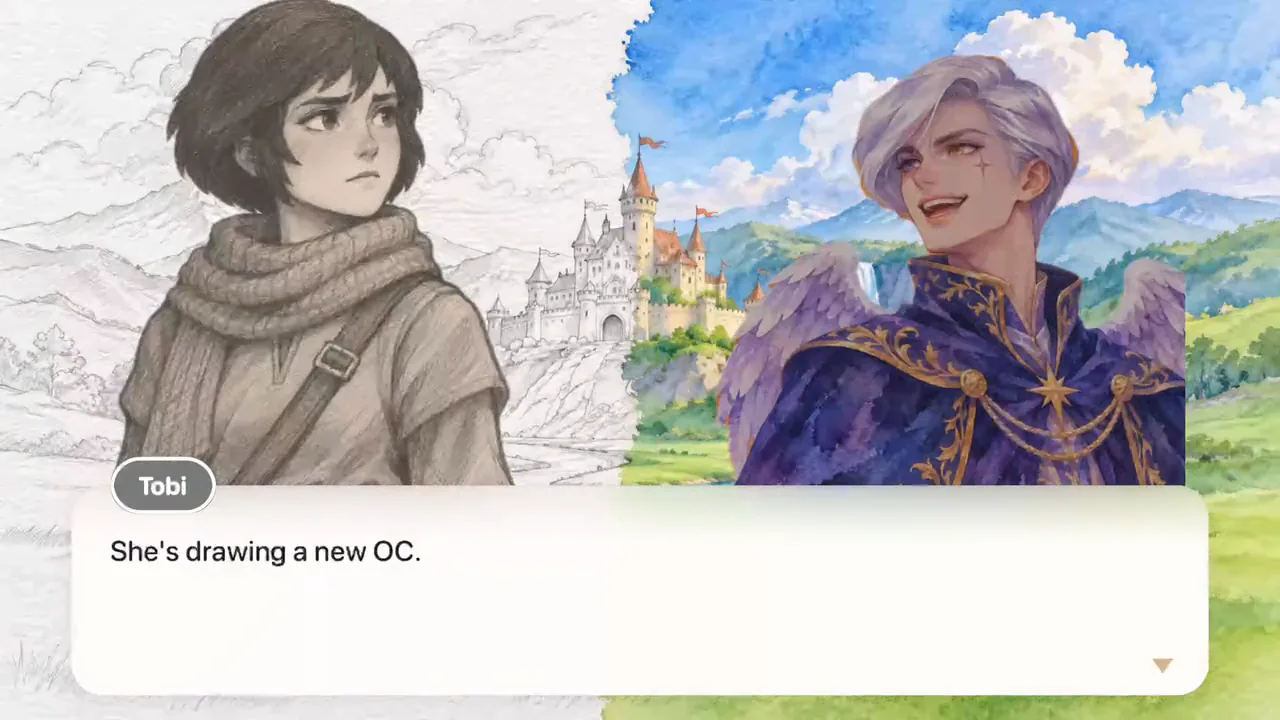
Four steps
How it works
-
01
Build your cast
Give each character a name, a color and a portrait. Pick a drawing or a photo: DialogCut removes the background, and your characters face each other on stage.
-
02
Write your story
Tap a character to add a line. Add narration, a title card or a background change wherever the story needs one.
Tap a row to play it.
- Background
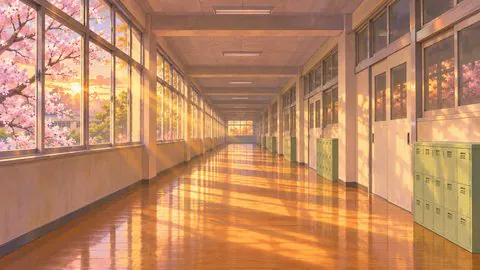
- Title cardEpisode 1Fresh InkAfter the last bell
- NarrationNobody saw her come in.
-
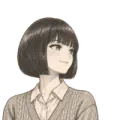 MIKA SAYS
Wait. A minute ago I was a pencil sketch.
-
 JUN SAYS
And now you're in a school hallway. Welcome.
- MIKA SAYS
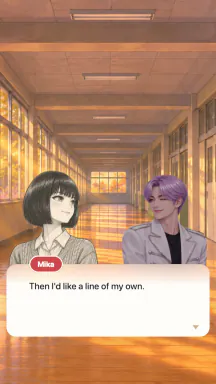
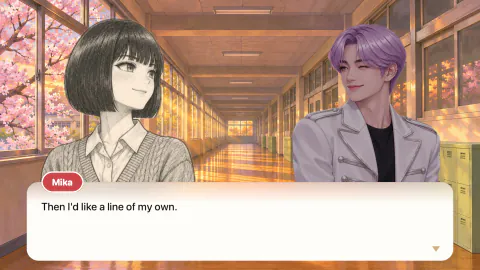
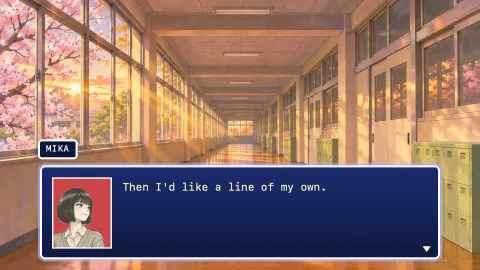
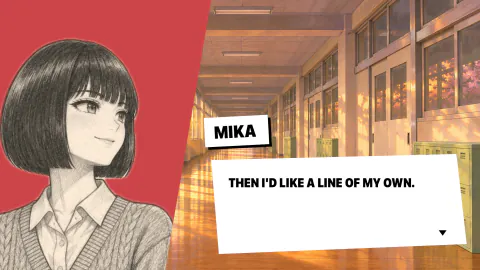
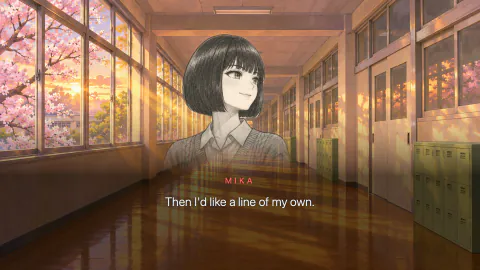
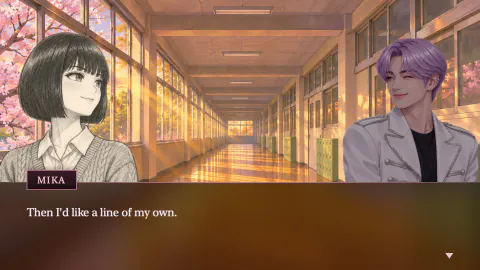
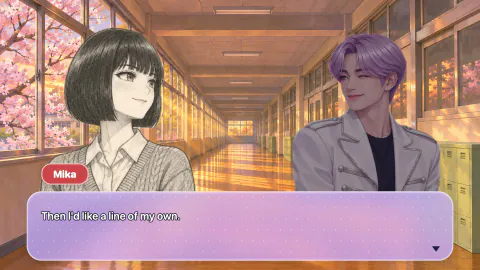
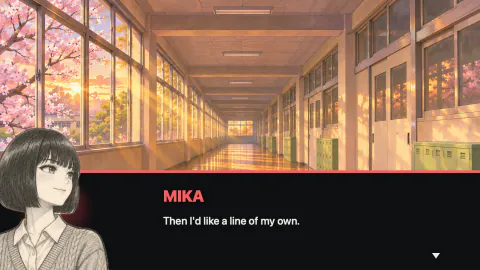
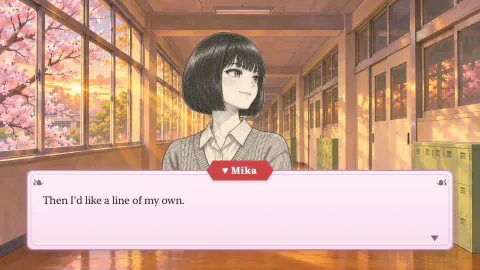
Then I'd like a line of my own.
- JUN SAYS
You just said one. Out loud.
- Background

- MIKA SAYS
Wait. Is this the next scene?
- JUN SAYS
Only if you write one.
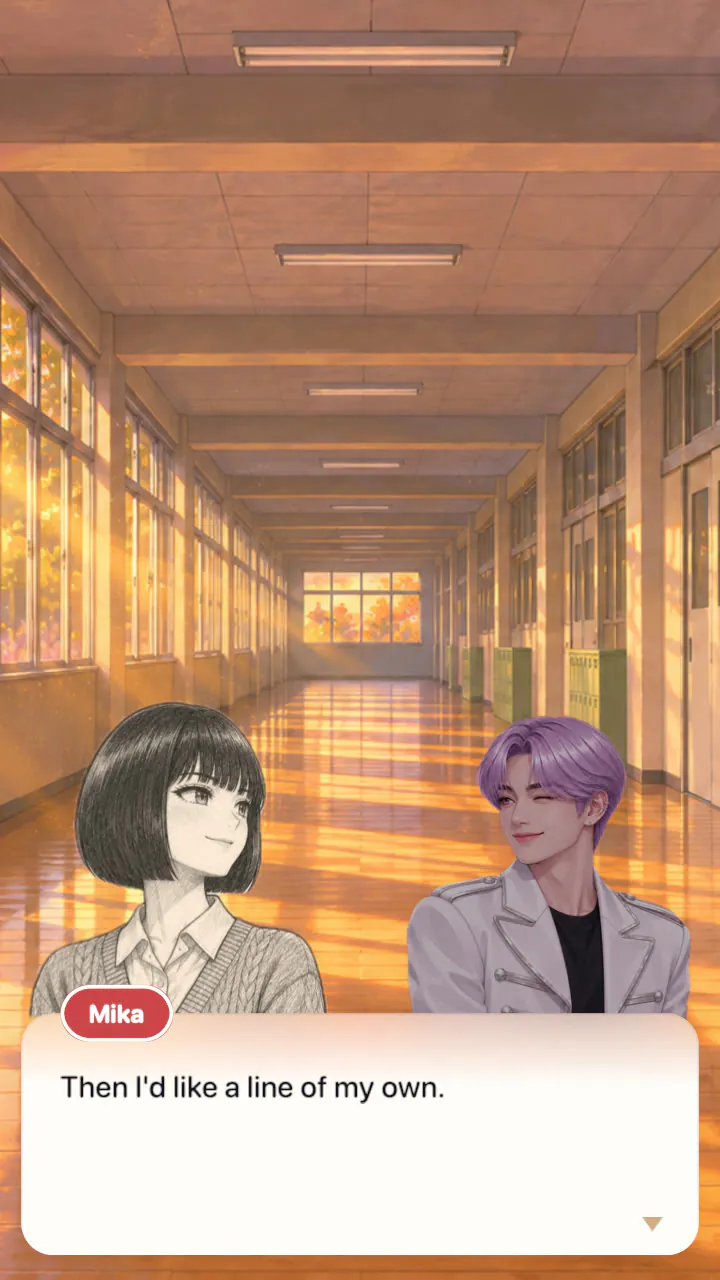
Preview -
-
03
Find your look
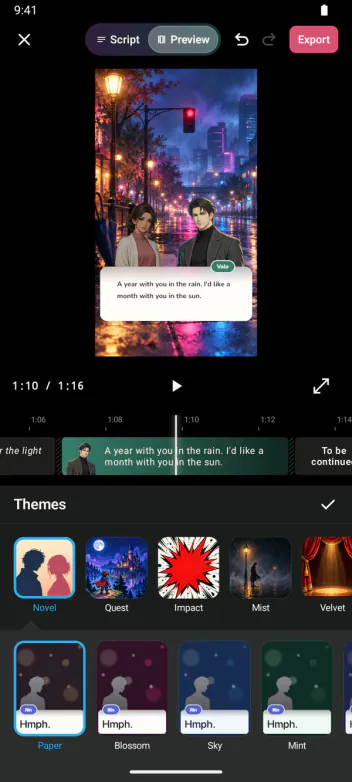
Pick a theme and a look, and change it in one tap. Choose a text reveal, then set the text scale and pacing until it reads right.
- Text reveal Sweep, Fade, Typewriter, By word, Instant
- Text scale From small to large
- Pacing How fast lines appear and how long they stay
-

![]()
Novel
Visual novel
The speaker steps forward, the name lands in their color and the line arrives in a soft box.
Paper, Blossom, Sky and more
-
![]()
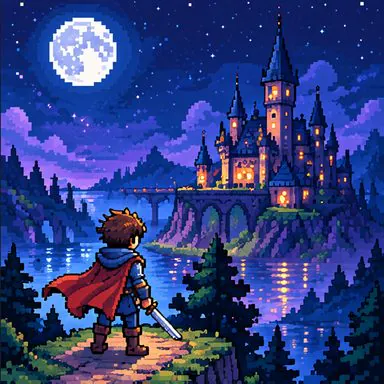
Quest
Fantasy RPG
A retro RPG box with your character's face inside, a name tab and a block cursor.
Night, Slate and more
-
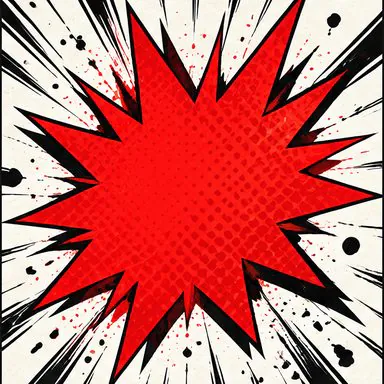
![]()
Impact
Comic and manga
Portrait panels slam in on a diagonal, names stamp down and every word cuts in.
Punch and more
-
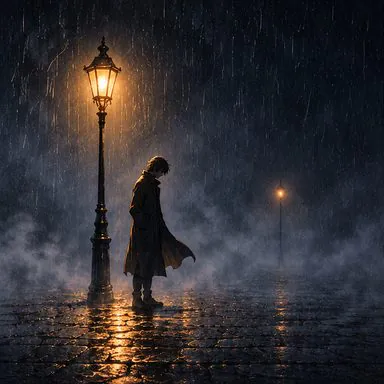
![]()
Mist
Noir film
No box. The place fills the screen and each line arrives as a film caption.
Noir, Ice and more
-

![]()
Velvet
Stage drama
Two characters face each other over a velvet band, the speaker lit, the listener in shadow.
Rose, Onyx and more
-

![]()
Glitter
Anime idol
Both characters side by side on tinted glass, words in white outline, sparkles in the air.
Sakura, Mint, Lavender and more
-
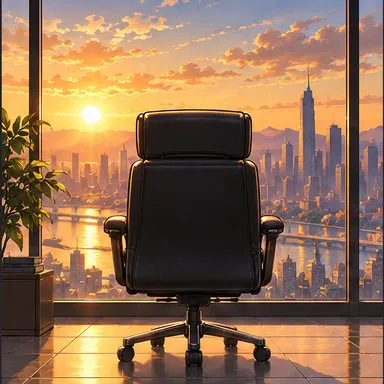
![]()
Deadline
Documentary
The speaker beside the words, the name big and bold in their color, title cards like posters.
Ink, Bone and more
-
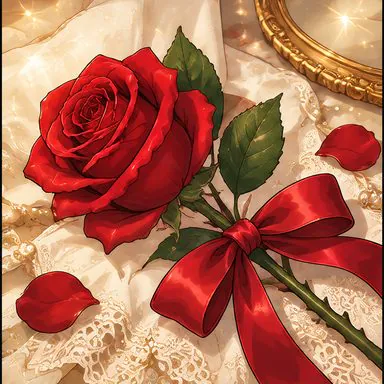
![]()
Flirt
Romance and otome
One face close up, an ornamented card, the name on a ribbon with a heart.
Sakura, Gilt, Royal and more
-
04
Export a video. Share it anywhere.
Pick a format, from tall 9:16 to wide 16:9, and tap Export. Save the video or send it straight to Instagram, Facebook or any app.
9:16 (Social)TikTok, Reels, Shorts 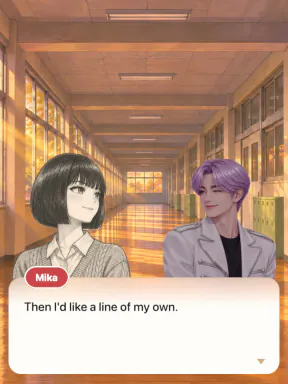
3:4Feed posts 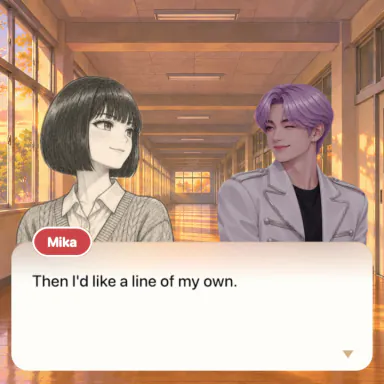
1:1Feed posts 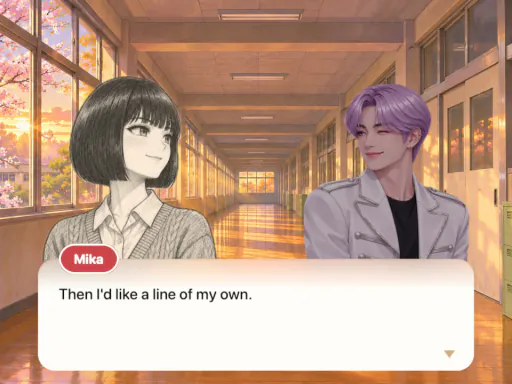
4:3 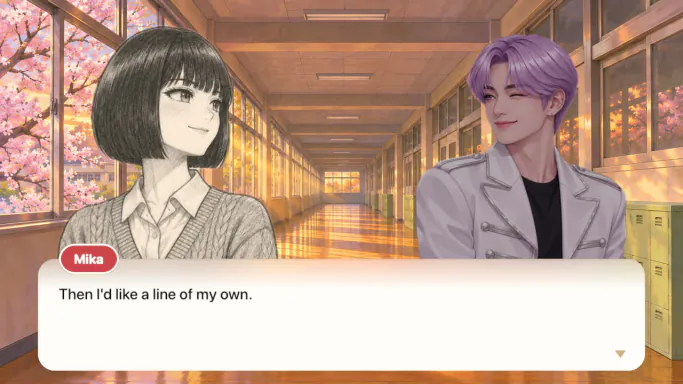
16:9YouTube
The app
Make it on iPhone, iPad or Android
On a big screen, Script and Preview sit side by side. On iPhone and iPad, iCloud keeps your stories in sync.
-
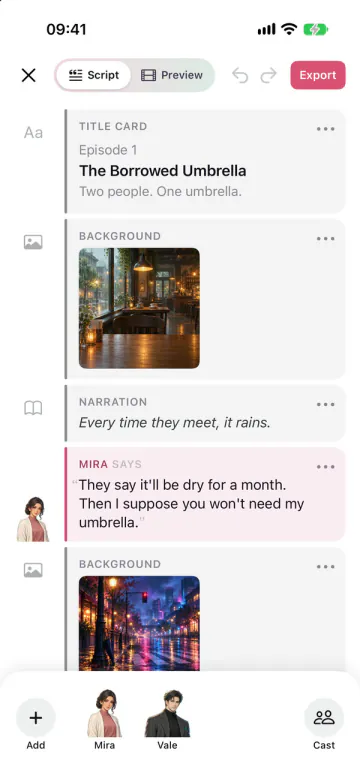
iPhone
-
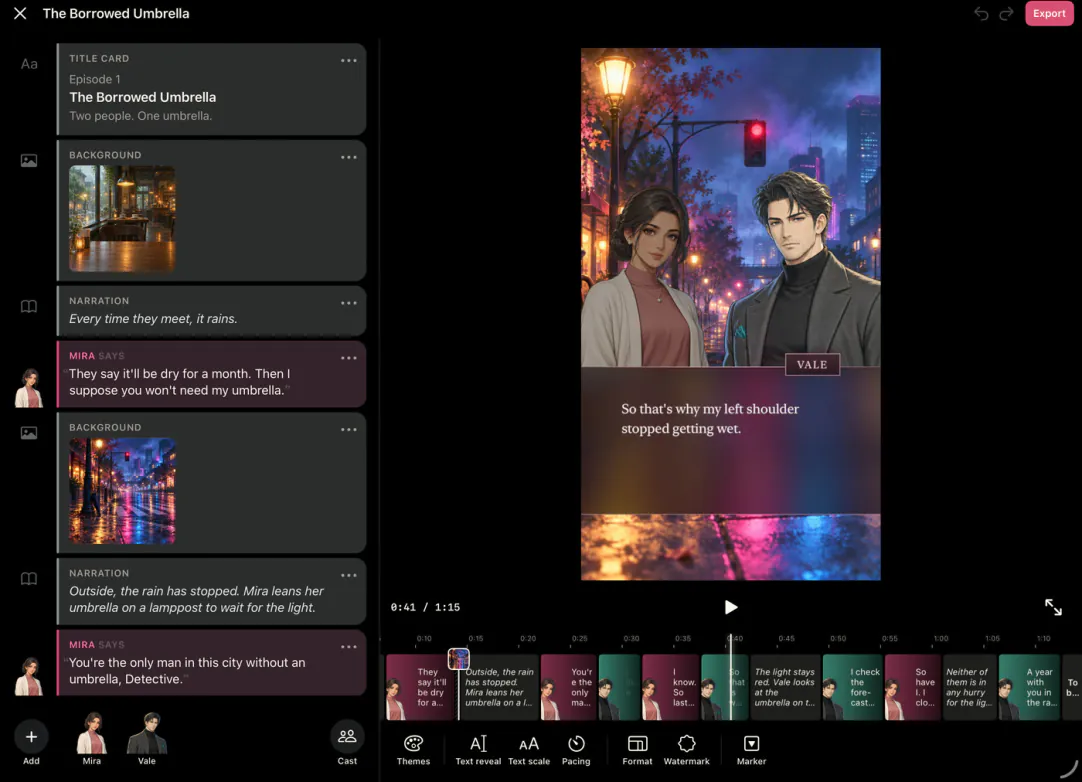
iPad
-
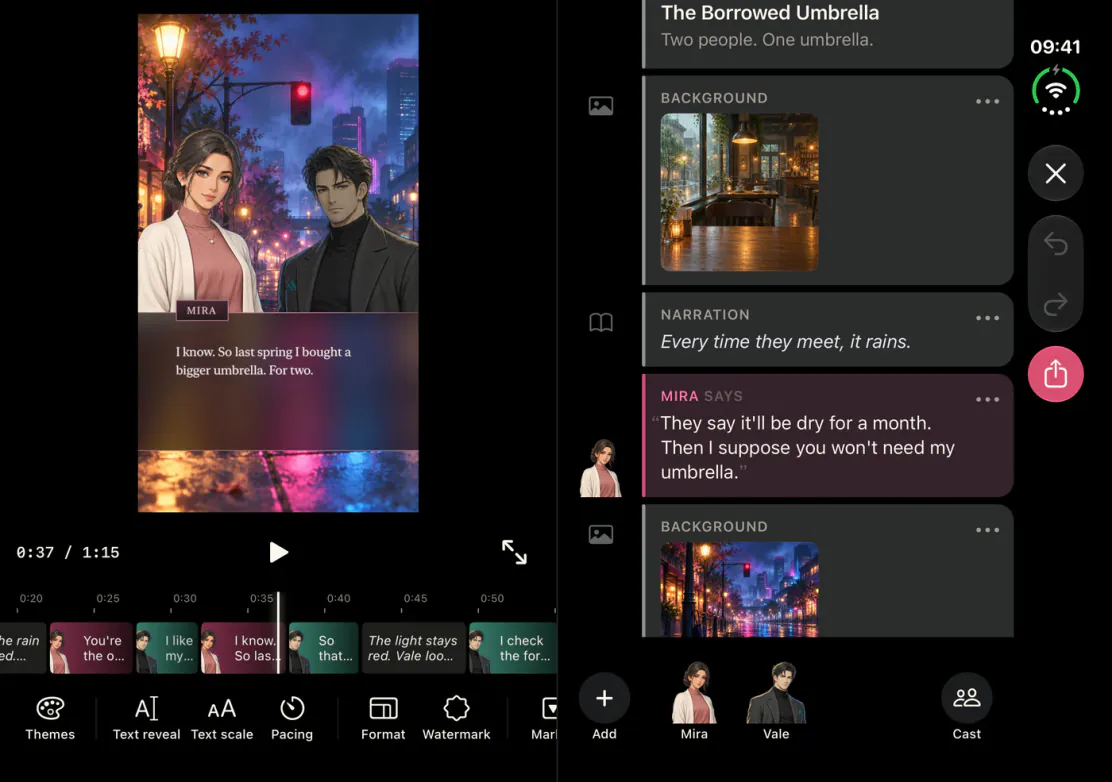
iPhone Duo
-
Android
Start your first story
Help
Questions
Can I use my own characters?
Yes. Use a drawing, a photo, a meme or art with a transparent background. DialogCut removes the background, and your characters face each other on stage.
Do I need to know how to animate?
No. You write the lines and pick a look. DialogCut stages every line and times it for reading.
Can I use my own photos and videos as backgrounds?
Yes. Pick a photo or a video from your gallery, crop or trim it, or choose a painted place.
Do I need an account?
No. Open the app and start writing.
Which devices does it run on?
iPhone, iPad and iPhone Duo, and Android phones, tablets and foldables. It's on the App Store and Google Play worldwide.
Will it look good on TikTok, Reels and Shorts?
Yes. Pick the 9:16 (Social) format: your words and the dialogue box stay clear of the buttons and captions on TikTok, Reels and Shorts. For feed posts pick 3:4 or 1:1, and 16:9 for YouTube.
Plans
Free and Pro
Free
The free app is the whole app.
- Every tool, and fifteen free looks
- Basic and Classic backgrounds, painted places, your own photos and videos
- As many stories, characters and videos as you like
- Videos up to 1080p at 30 fps, with a small “Made with DialogCut” watermark
DialogCut Pro
Everything free, and:
- No watermark
- 4K and 60 fps
- Every Pro look
- Signature backgrounds
Try any look in Preview before you decide. Pro is a monthly or yearly subscription in the app.
Jun Only if you write one.
Your story is next
- Written by
- You
- Cast
- Your original characters
- Staged by
- DialogCut